Solutions: Organizational holidays app - standard licensing only
Have you been trying to show the potential value of Power Platform to your organization and are struggling to find an example that can offer high-value to a lot of users? One of the first, widely used apps we made for staff was one that could apply all of our organization's holidays to their Outlook calendar on demand. It seems so simple but to this day this app is one of the most widely used and has been iterated on a handful of times based on user feedback.
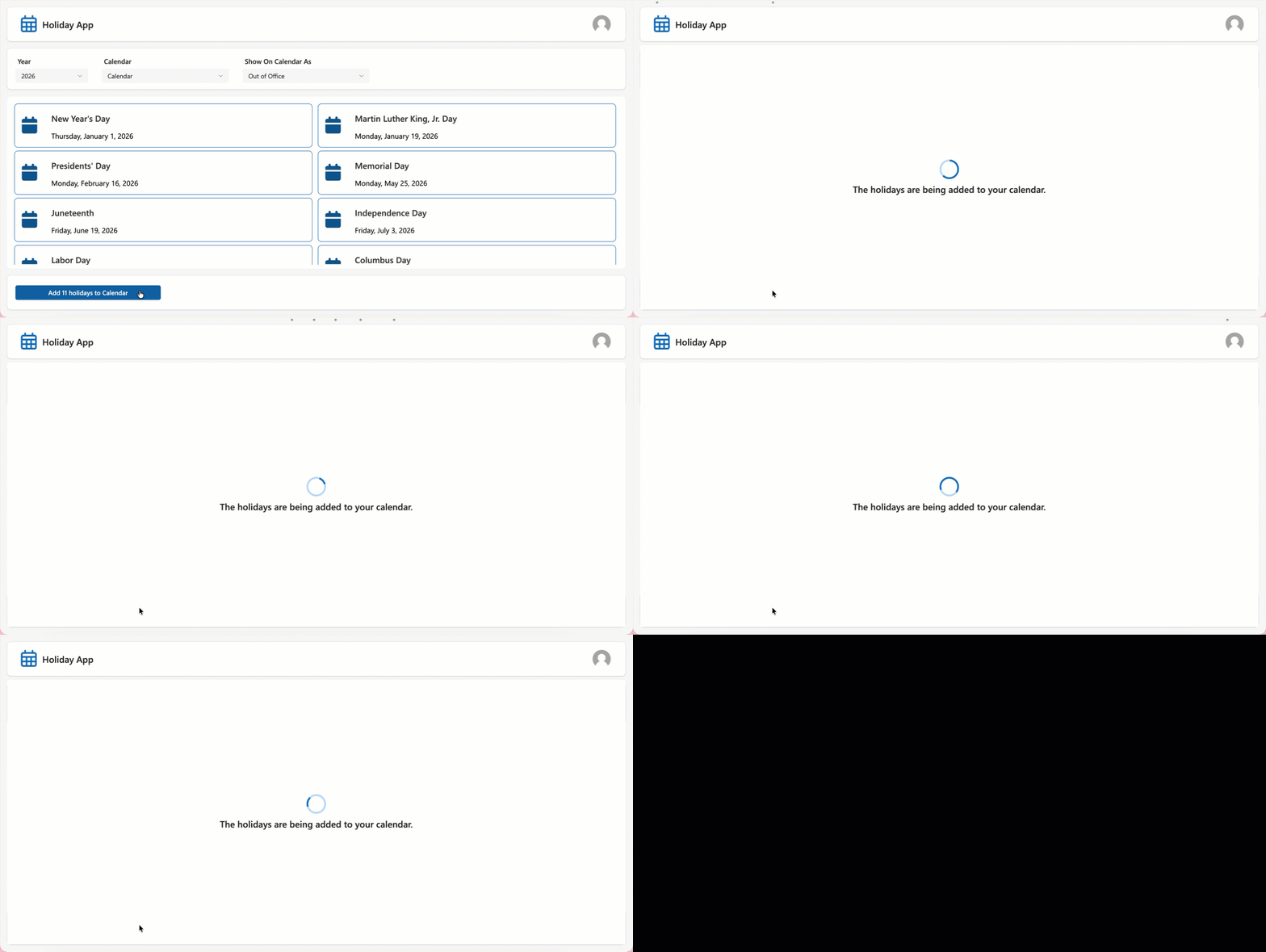
This version of the app is fully self-contained within the Canvas app and only uses the Office 365 Outlook connector making it completely compatible with seeded Microsoft 365 Power Apps licensing. A table of holidays is defined as a named formula, which is easy to swap out for your own holidays. This is very similar to where the initial iteration of this app began for me when putting it together for my organization but isn't where it is today. If you're looking for a version that lets you manage these dates outside the app itself (which is definitely best practice and makes management much easier), keep an eye out for those versions coming soon.
From the end user perspective, when they click the Add holidays button in the app, the individual dates are added to their Outlook calendar under the own credentials - allowing them to modify them further if needed. This is designed to be a very straightforward experience but still customizable to how they would like these events to show up.

If you would like to try out this solution in your environment check out GitHub: PowerPlatform-Holidays to download the unmanaged solution.